Step-1: Go to the following link: https://spyne.freshdesk.com/support/login and click on Submit a Ticket
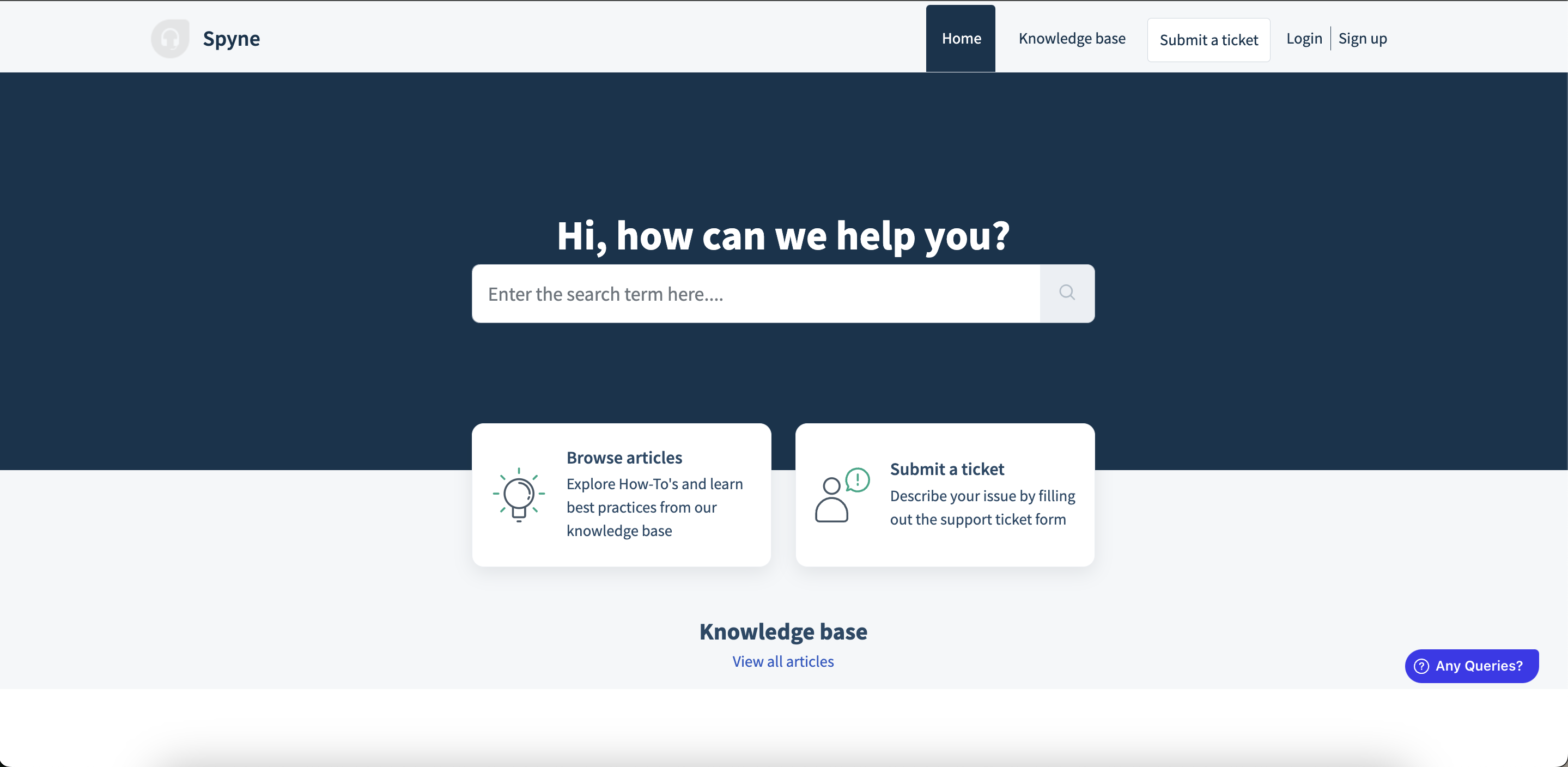
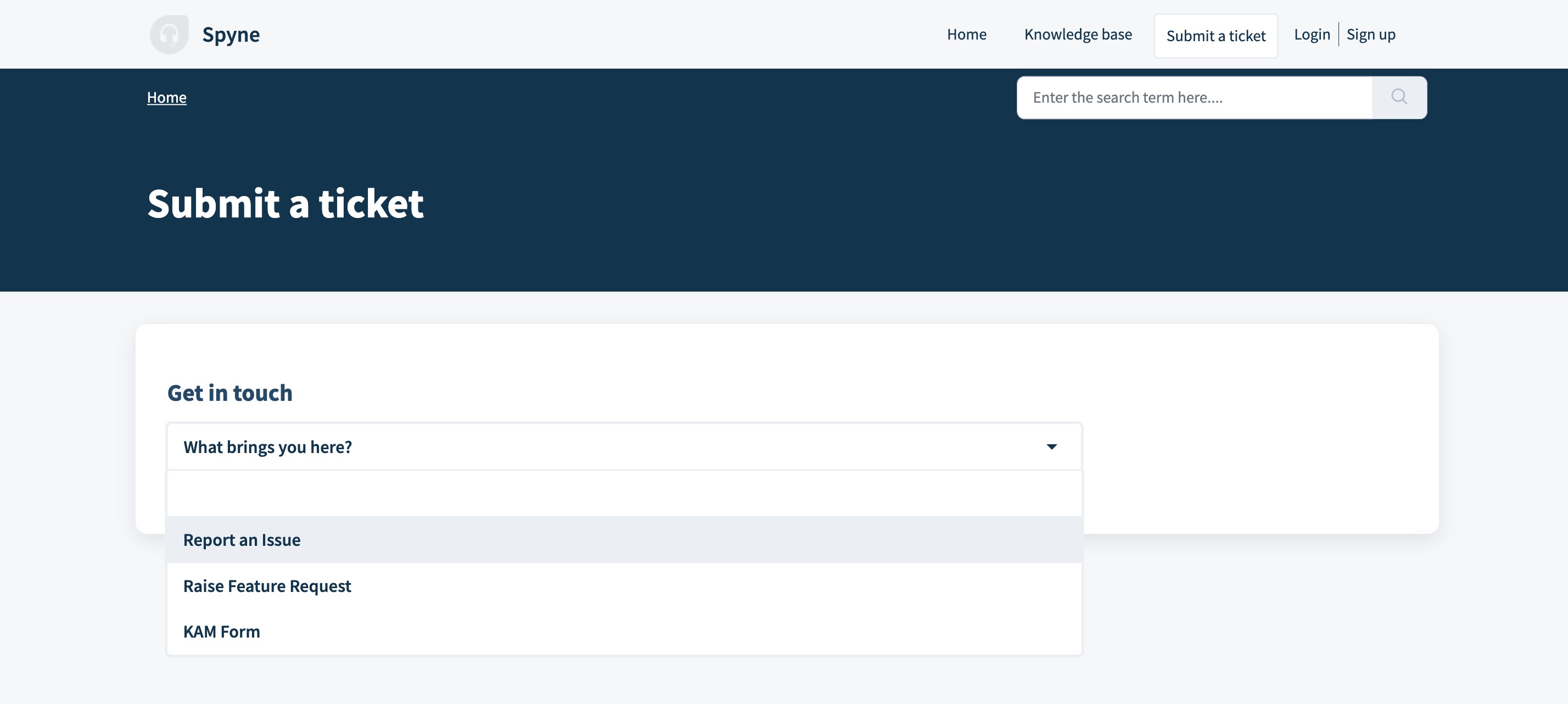
Step-2: Click on What Brings you Here? and then Select "Report an Issue"
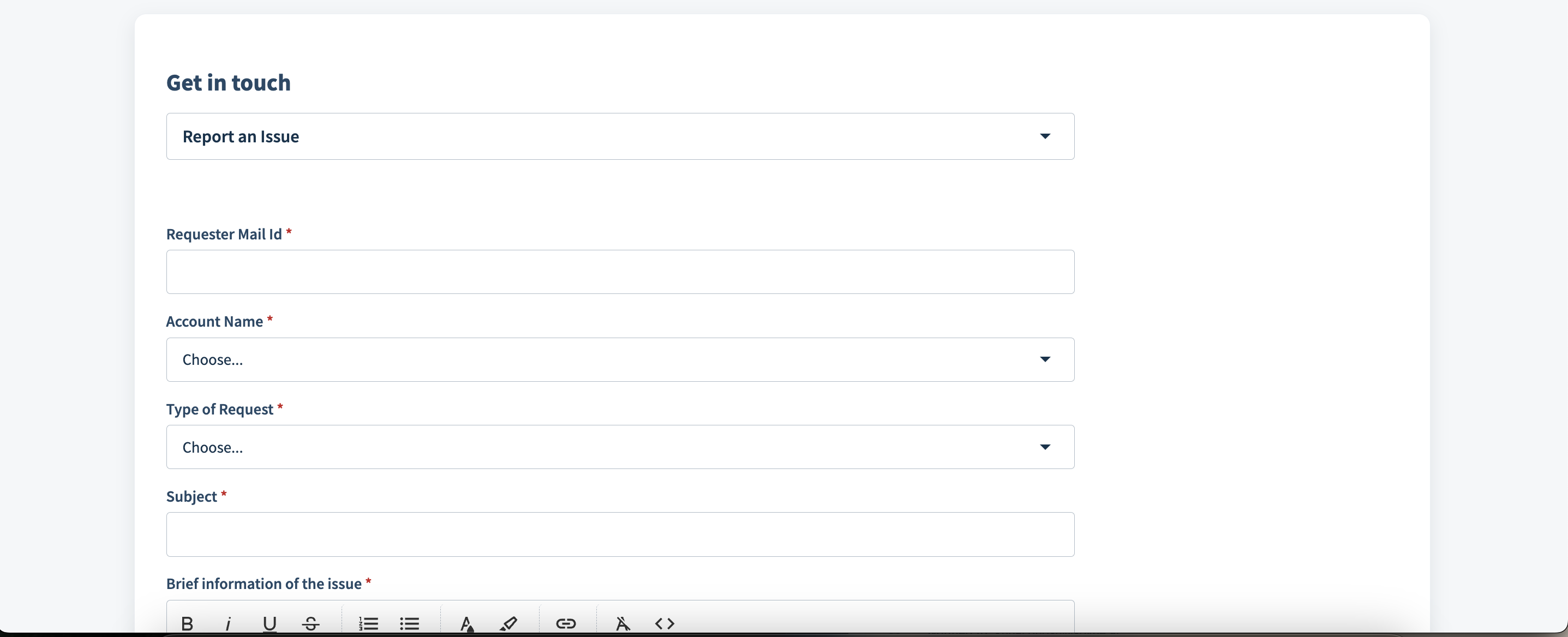
Step-3: Enter all the required details that would enable the Tech Support Team to understand the issue and provide the necessary action. These mandatory fields include:
Subject Line
Description of the Issue
Customer Impacted
Product and Platform Impacted
Please Note: One of the best practices to report an issue is to provide a screenshot as it would help the support team with additional information to solve the bugs.
Step-4: Once all the information is filled in, click on "Submit"
Next Steps:
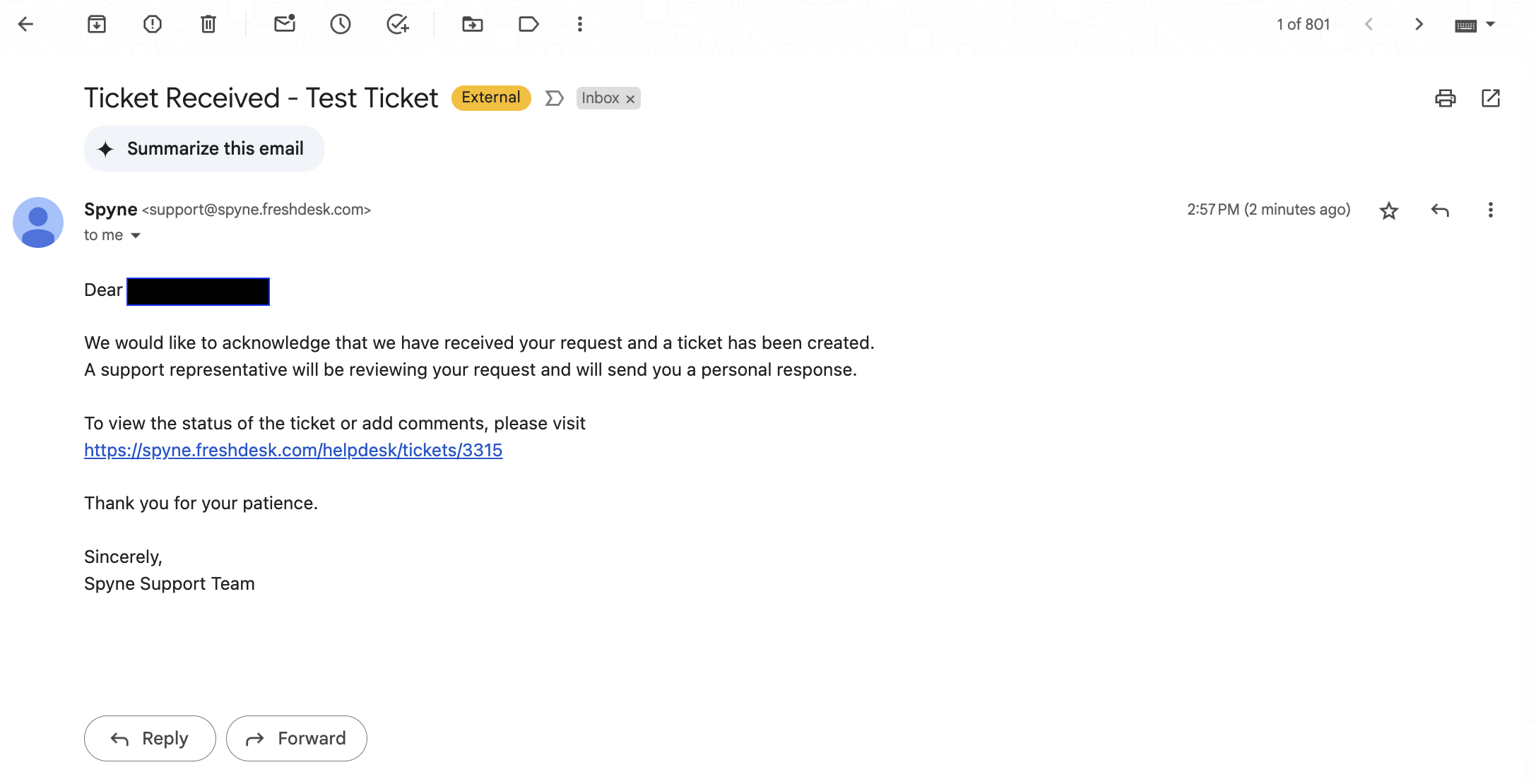
After a ticket has been submitted, the user will receive an email with the details of the ticket and a link to view the conversation and Resolution.
Once the issue has been identified and the resolution has been provided, the support team would close the ticket and the requestor can view the RCA and the resolution on the ticket.
Was this article helpful?
That’s Great!
Thank you for your feedback
Sorry! We couldn't be helpful
Thank you for your feedback
Feedback sent
We appreciate your effort and will try to fix the article